11ic App Download Guide (Android & iOS) | Official

Ayur Mukherjee Feb 28, 2026 Last update
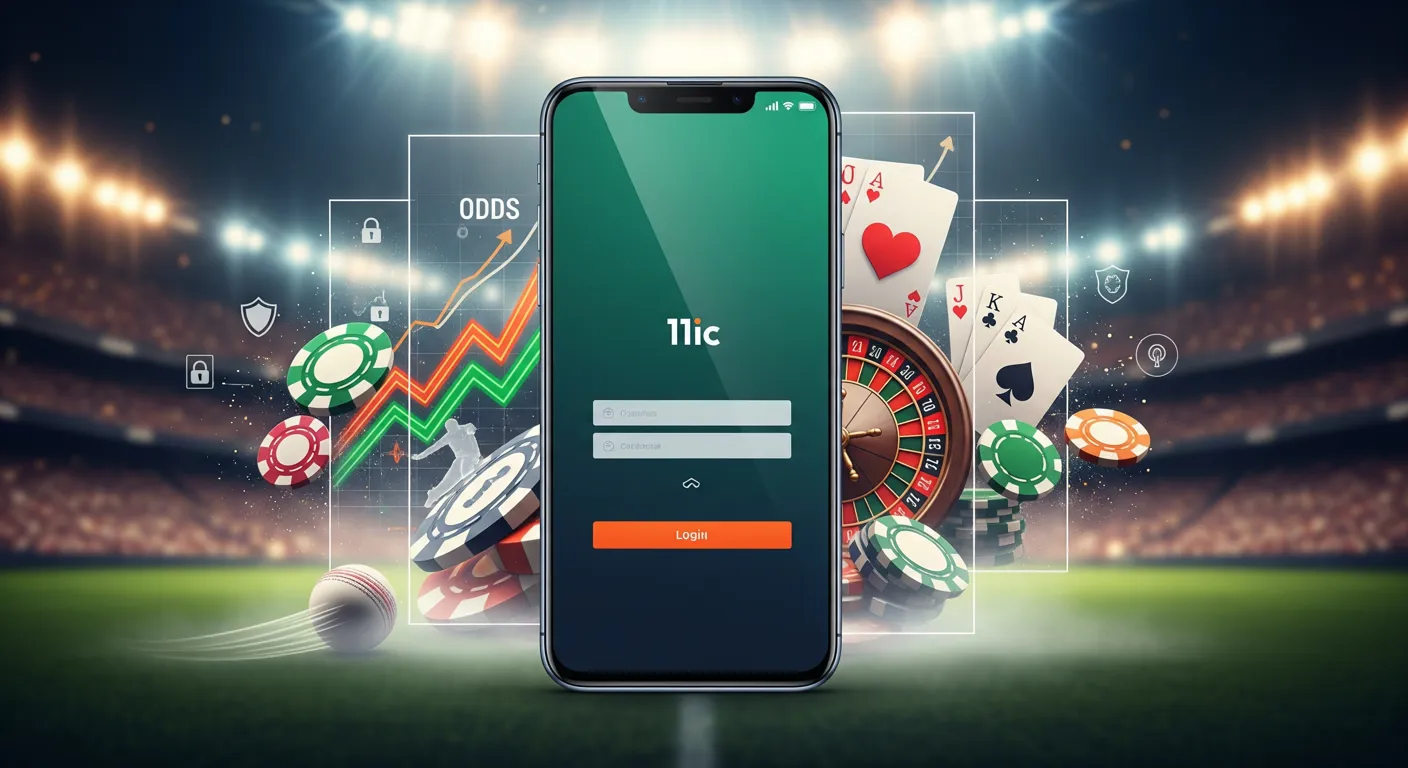
The 11ic app login process is straightforward once your account is created and verified. This guide walks you through sign up, KYC, password reset, and the safest ways to keep your profile ready for deposits and withdrawals on the 11ic app.
You’ll also find quick troubleshooting tips and links to download and payment resources when you need them.

To avoid verification delays and repeated login attempts, have these ready:
If you haven’t installed the app yet, use the official guides: app download or 11ic APK download.
Account creation typically follows the same flow on Android and iOS:
After sign up, you can use the same credentials for future 11ic app login sessions.
To log in safely and consistently:
Tip: If you frequently switch between Wi‑Fi and mobile data, try logging in again after switching networks—some login issues are connection-related rather than account-related.
KYC (Know Your Customer) is a standard identity check used to confirm account ownership. Completing KYC can also reduce friction when you request withdrawals, because your identity details are already on file.
Typical KYC steps in the app:
KYC checklist (quick pass/fail guide):
| Item | What to check before submitting |
|---|---|
| Name & DOB | Matches your ID exactly (spelling and order) |
| Photos | Clear, in focus, no glare, all corners visible |
| Details | No nicknames; avoid inconsistent addresses |
| Device | Stable connection during upload to prevent failures |
If you run into KYC upload errors, see troubleshooting app for common fixes.
If you can’t access your account, use the in-app recovery tools first:
If you no longer have access to your registered email/number, contact support to regain access (you may be asked to verify ownership).
Need help?
Strong account security helps prevent unauthorized access and protects your withdrawal destination details.
Recommended security steps:
These are the most frequent causes behind 11ic app login issues:
For more issue-specific guidance (crashes, update loops, blank screen), use troubleshooting app.
The 11ic app is designed for modern mobile systems:
If login fails after an OS update, an app update is often required too. After updating, restart your device to ensure background services and permissions refresh correctly.
Open the app, tap Register/Sign Up, enter your mobile/email, set a password, complete OTP verification (if shown), and submit. Then log in with the same credentials.
KYC verifies account ownership and helps keep accounts secure. It can also reduce delays when processing withdrawals because your identity details are already validated.
Tap Forgot Password on the login screen, complete OTP verification, and set a new strong password. If you can’t access your registered number/email, contact support for recovery.
Check signal strength, switch between Wi‑Fi and mobile data, retry after a short wait, and review email spam/junk folders if OTP is sent by email. If it still fails, contact support.
It’s safer to use official download sources to reduce security risks and version issues. If you need guidance, use the official download pages and troubleshooting resources.
Use the 24/7 live chat on the site or email affiliate@11ic.com for assistance with login, KYC, or account access issues.